Best AI Automation Tools:
What Actually Works in 2025
I’ve tested dozens of these. Most are fine. A handful are genuinely life-changing for how you work. Here’s the honest breakdown — which tools earn their price, which ones overpromise, and the one mistake almost everyone makes when starting with AI automation.
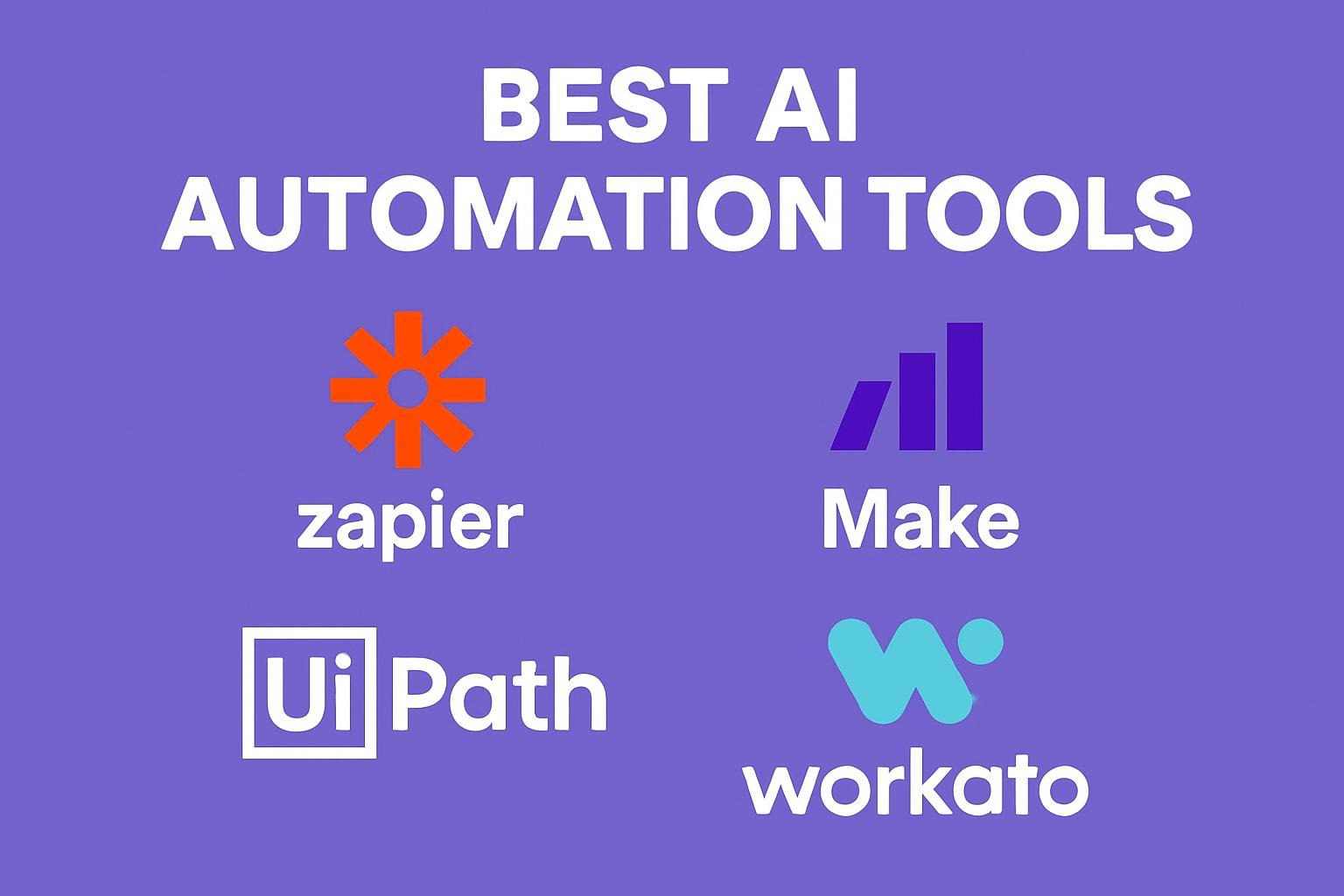
- For connecting apps without code: Zapier (most integrations) or Make (more logic flexibility).
- For building AI agents that run on their own: Lindy is the most practical option for non-developers in 2026.
- For heavy data transformation from spreadsheets: Parabola or GPT for Work.
- For open-source and self-hosted: n8n — genuinely free, genuinely powerful, genuinely a learning curve.
- For AI in your existing CRM: Salesforce Einstein or HubSpot AI depending on your stack.
- Biggest mistake: buying 6 tools before proving value with 1. Start narrow. Go deep.
What AI Automation Actually Means in 2025
Let me be direct. “AI automation” means very different things depending on who you ask. A workflow tool like Zapier that triggers an email when a form is submitted — that’s automation, but barely AI. A system like Lindy where an agent reads your inbox, classifies every email, writes personalized replies, and updates your CRM without you touching anything — that’s what “AI automation” actually looks like now.
The gap between those two things matters a lot when you’re choosing tools. So here’s the clearest framework I’ve found for thinking about it.
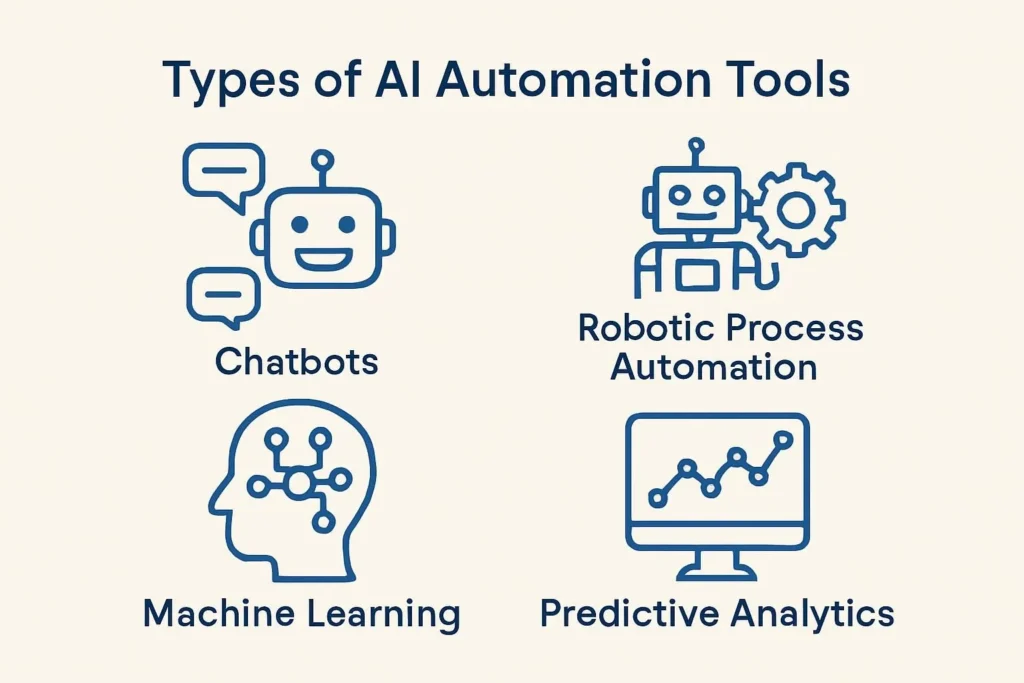
| Level | What it does | Example | Human effort needed |
|---|---|---|---|
| Rule-based automation | If X happens, do Y. No learning, no judgment. | Zapier trigger → send email | Setup only |
| AI-augmented automation | Adds AI classification, generation, or summarization to a workflow step. | Zapier with AI step → classify ticket → route to team | Setup + prompt tuning |
| Agentic AI | Sets a goal, plans steps, picks tools, executes, self-corrects. | Lindy Agent: “Prep for this sales call” → pulls LinkedIn, CRM, email history | Goal-setting only |
| Multi-agent systems | Multiple AI agents collaborate on complex goals, assigning subtasks between themselves. | Perplexity Computer: assigns Claude for reasoning, Gemini for research, Grok for speed | Outcome definition only |
Most guides bundle all four into “AI automation tools” and compare them side by side. That’s how you end up putting Zapier next to Lindy like they’re the same category. They’re not. Zapier is infrastructure. Lindy is a coworker. Knowing the difference before you start shopping will save you a lot of frustration.
The one question that cuts through the noise: “What specific task am I trying to eliminate from my calendar?” Answer that first. Then find the right tool level. Buying an agentic AI platform when you just need to sync Calendly with your CRM is like hiring a software architect to set up your printer.
The Tier List: What’s Actually Worth Your Time
I’m going to be honest here in a way most roundups aren’t. Not everything on these lists is good. Some are genuinely excellent. Some are fine for one specific use case. Some are overrated. Here’s how I’d rank them if forced to put a number on it.
Workflow Automation Tools (The Foundation Layer)
These are the tools you’ll use whether or not you build anything fancier on top. They connect your apps, trigger actions, and move data between systems. Get one of these working well before you even think about agents.
Still the best for app-to-app connections, full stop. The AI steps added in 2024–2025 are genuinely useful — you can classify an email, extract data, or summarize content as a workflow step without any coding. The linear trigger-action model is its strength and limitation: great for most automations, limiting for complex branching logic.
This is the developer’s choice and — honestly — the power user’s choice too. n8n deploys 70% faster than building custom integrations from scratch, and the self-hosted version is free forever. The tradeoff is real: you need to be comfortable running a server or paying for cloud hosting. But if data sovereignty or cost matters, nothing competes.
Where Zapier runs linear A→B workflows, Make handles complex branches, conditions, loops, and error paths visually. If your automation needs to do different things based on multiple conditions — route a ticket one way if it’s urgent, another way if it’s a refund, a third if it’s a bug — Make is cleaner. Steeper learning curve than Zapier. Worth it for anything moderately complex.
The underrated one. Parabola is built specifically for messy data — the kind that lives in PDFs, messy spreadsheets, or five different systems that don’t talk to each other. Supply chain teams, finance teams, and operations people love it for exactly this reason. Not a replacement for Zapier but a complement to it for data-heavy workflows.
AI Agent Platforms (The New Frontier)
This is where 2025–2026 gets genuinely interesting. Agents are different from workflow tools in one fundamental way: they decide what to do next, they don’t just follow instructions you wrote upfront. That changes what’s possible — and what can go wrong.
The point where autonomous AI agents began handling genuinely complex business processes at the SMB level. Not a future prediction — this is happening now.
The best AI agent platform for non-developers right now. You build “Lindies” — task-specific agents that handle email management, lead follow-up, meeting prep, CRM updates, document processing. The Agent Swarms feature is where it gets powerful: apply one agent across 1,000 leads simultaneously. Prep 50 sales calls at once. Summarize a month of emails in one go.
Launched February 2026 and already one of the most impressive things I’ve seen. Describe an outcome and Computer assigns Claude for reasoning tasks, Gemini for research, Grok for speed — all working in parallel. It can build reports, generate datasets, create websites, and run multi-step workflows for hours unattended. Still early, but this is what the future of agentic AI looks like for knowledge workers.
The enterprise leader in agentic automation. If you’re running a larger operation and need AI-augmented RPA at scale — handling invoices, compliance checks, HR workflows — UiPath is the gold standard. Not a day-one tool. Not cheap. But for companies with repetitive, rules-heavy back-office operations, the ROI is documented and substantial.
Content & Marketing Automation
The content automation space is genuinely crowded and increasingly hard to differentiate. Most tools are good enough. A few are legitimately excellent. Here’s how to cut through it.
Best use case is teams that need to produce consistent branded content at scale — multiple people, multiple channels, same voice. The brand voice training is the differentiator. The downside: generic without good prompting, and the price point is hard to justify for solo operators when ChatGPT does 80% of the job for free.
Turns a script into a polished video with an AI avatar — no camera, no studio, no editing software. The 90% cost reduction vs traditional video production is real if you’re producing training content, product demos, or explainers regularly. The uncanny valley effect has improved considerably in 2025. Still not for everything, but for internal training and tutorials it’s excellent.
I use this constantly. The free tier is genuinely capable, and the Magic Studio tools — image generation, background removal, brand kit application, video resizing — are built into the design flow rather than bolted on. For non-designers who need to produce visual content regularly, nothing else comes close at this price.
Aggregates product reviews and social mentions, runs sentiment analysis, and surfaces real-time market insights. Genuinely useful for understanding what customers are saying without manually trawling platforms. The AI extraction isn’t perfect — you’ll see some noise — but the signal-to-noise ratio is good enough for strategic decisions.
CRM & Sales Automation
CRM automation is where the ROI is most measurable and most documented. Lead scoring, follow-up sequences, pipeline analysis — these are the workflows that either get done or get missed depending on whether your sales team is having a busy week. AI removes that dependency.
The most complete AI layer in any CRM. Lead scoring, opportunity insights, email drafting, pipeline forecasting — all built in. If you’re already on Salesforce, this is worth activating immediately. If you’re not on Salesforce, don’t choose it for Einstein alone unless you need the full CRM platform.
The better choice for small to mid-sized businesses. The free tier is genuinely capable, and the AI features — content generation, email personalization, deal scoring — are integrated into the same platform as your contacts, pipeline, and marketing. The breadth of the free tier is unusual and valuable.
Transcribes your calls, identifies action items, assigns them to attendees, and pushes updates to your CRM or project management tool. The 80% reduction in meeting follow-up time is one of those stats that sounds inflated until you actually use it for a week. It genuinely changes how much follow-through happens after calls. Probably my favorite single productivity tool in this whole guide.
DevOps & Development AI
The automation story in engineering is a bit different from business workflows. Here the gains come from code generation, test coverage, and incident response — and the ROI is measured in deployment frequency and mean time to recovery, not hours saved on emails.
The single most widely adopted AI tool in software development. Autocompletes code, writes tests, explains unfamiliar code, and drafts documentation. The productivity gains vary wildly by developer — experienced engineers often see 20–30% time savings on boilerplate; more junior developers report larger jumps. The catch is over-reliance: Copilot generates confident, plausible code that can contain subtle bugs.
Automates incident detection and resolution in DevOps environments. The headline number — 80% reduction in downtime — comes from the ability to detect and resolve issues without waiting for an on-call engineer to wake up at 3am. For platforms with high traffic and low tolerance for downtime, this is the kind of automation that pays for itself in the first outage it prevents.
Full Comparison Table: 20 Key AI Automation Tools
Every tool that made the cut, side by side. Sorted by category and use case.
| Tool | Category | Best for | Free tier? | Starting price | Tier |
|---|---|---|---|---|---|
| Zapier | Workflow | App connections, max integrations | ✔ | $19.99/mo | S |
| n8n | Workflow | Self-hosted, open-source | ✔ (self-host) | Free / $20/mo | S |
| Make | Workflow | Complex multi-branch logic | ✔ | $9/mo | S |
| Parabola | Data automation | Messy data, supply chain | ✔ | $20/mo | A |
| Lindy | AI agents | Email, CRM, ops agents | ✔ | $49/mo | S |
| Perplexity Computer | AI agents | Multi-model agentic research | — | $20/mo (Pro) | A |
| UiPath | Enterprise RPA | High-volume back-office automation | — | Custom | Enterprise |
| Fathom | Meeting AI | Notes, actions, CRM sync | ✔ | $19/mo | A |
| Otter.ai | Meeting AI | Transcription, searchable notes | ✔ | $8.33/mo | B |
| Salesforce Einstein | CRM AI | Lead scoring, forecasting | — | In Salesforce plan | A |
| HubSpot AI | CRM AI | SMB CRM + marketing combined | ✔ | $15/mo | A |
| Jasper AI | Content | Brand voice, content at scale | — | $39/mo | B |
| Copy.ai | Content | Fast marketing copy, ads | ✔ | $36/mo | B |
| Synthesia | Video AI | Training videos, demos | ✔ (limited) | $22/mo | B |
| Canva Magic Studio | Design AI | Visual content, non-designers | ✔ | $14.99/mo | A |
| Gumloop | Marketing AI | Sentiment, review aggregation | ✔ | Free tier | Emerging |
| GitHub Copilot | Dev AI | Code gen, autocomplete | — | $10/mo | B |
| Saturnhead AI | DevOps | Incident detection + response | — | Enterprise | Emerging |
| Notion AI | Productivity | Docs, summaries, in-workspace | — | $20/mo (Business) | B |
| GPT for Work | Spreadsheet AI | Bulk AI across Excel/Sheets rows | ✔ | $9/mo | A |
How to Choose the Right Tool (Without Wasting Three Months)
The most expensive mistake in AI automation isn’t choosing the wrong tool. It’s choosing five tools simultaneously and implementing none of them properly. I’ve watched this happen repeatedly. Here’s the framework that prevents it.
- 1
Identify the one task worth automating first
Not the most impressive one. The most painful one. What are you doing manually every week that you dread? That’s your starting point. AI automation should solve a real, recurring problem — not showcase your technical curiosity.
- 2
Match the tool level to the task
Re-read the four-level framework at the top of this guide. If your task is “trigger an email when someone fills a form,” that’s rule-based. Zapier. Don’t buy an agentic AI platform for it. If your task is “manage my inbox intelligently,” that needs an agent. Lindy. Match the sophistication of the tool to the actual complexity of the job.
- 3
Use the free tier for two weeks before committing
Every tool on the S and A tier has either a free tier or a trial period. Use it on your actual workflow, not a test scenario. If it doesn’t work in two weeks of real use, it won’t work after you pay for it.
- 4
Measure one metric only: time saved per week
In the first 30 days, don’t try to measure ROI, conversion uplift, or productivity scores. Just clock the hours. If the tool saves you 3 hours/week and costs $30/month, that’s obvious value. If it saves 20 minutes and costs the same, you have a decision to make.
- 5
Add a second tool only after the first is running smoothly
When tool one works reliably and you’ve measured the time savings, identify the next highest-value task. Add one tool. Build an integration between them with Zapier or Make if needed. In six months you’ll have a working AI stack — not a collection of half-configured subscriptions.
The cascading automation hack: Set up workflows where one AI tool’s output becomes another’s input. Social monitoring tool spots a negative review → sentiment analysis scores it → if severity is high, Lindy drafts a personalized response → Zapier routes to support manager for approval → sends automatically on approval. Each piece is simple. Together they’re powerful.
Real-World Results: Five Case Studies That Actually Happened
Numbers in isolation are easy to manipulate. Here’s what AI automation looks like in practice — specific problems, specific tools, specific outcomes.
Problem: Manual inventory decisions and pricing that couldn’t keep up with fast-moving fashion cycles. Solution: AI automation analyzing competitor pricing, seasonal trends, and real-time stock levels to trigger automatic pricing adjustments and reorder alerts. Outcome: 34% revenue increase, 50% reduction in overstock. The time saved on manual pricing reviews alone justified the implementation cost in the first quarter.
Problem: Appointment scheduling and insurance claim processing were creating a backlog that delayed patient care and frustrated staff. AI automation handled scheduling optimization, insurance eligibility checks, and claims routing. Result: 60% reduction in administrative costs, 40% improvement in patient satisfaction scores. Healthcare AI automation has a 36.50% CAGR for a reason — the administrative burden in the sector is enormous and the automation surface area is correspondingly large.
Problem: On-call engineers spending nights and weekends responding to incidents that could have been automatically resolved. Saturnhead AI for incident detection and automated remediation. The system now catches failure patterns, executes playbooks, and resolves most tier-1 incidents without human involvement. 80% reduction in downtime, 90% faster mean time to resolution. The ROI here is partly financial and partly human — engineers stop burning out on 3am pages for things a machine could fix.
Problem: Sales team spending time on unqualified leads while high-potential prospects fell through the cracks without timely follow-up. AI-powered lead scoring, automated personalized outreach sequences, and intent-based content delivery across channels. 150% increase in qualified leads, 45% improvement in conversion rate. The key wasn’t generating more leads — it was making sure the right leads got the right message at the right time, automatically.
Problem: Fraud detection was generating so many false positives that the compliance team was spending more time investigating non-issues than actual threats. AI transaction pattern analysis with real-time risk scoring. Result: 95% reduction in false positives, 100% compliance score maintained. The hidden win: analysts could focus on actual threats, and customers stopped having legitimate transactions flagged and blocked.
The Risks Nobody Puts in Their Tool Reviews
Every tool in this guide has limitations. Some are minor. A few can genuinely hurt you if you implement without thinking. Here’s the honest version.
⚠ The vendor lock-in problem is real
If you build your entire automation stack on one platform and they raise prices, get acquired, or change their API terms — you’re rebuilding from scratch. The practical defense: use open standards where possible (n8n is worth learning partly for this reason), keep your data in formats you control, and never have your entire operation dependent on one tool with no exit path.
AI hallucinations in automated workflows
An AI step in an automated workflow generates plausible-sounding but incorrect data. It gets passed to the next step and eventually creates a bad outcome — a customer email with wrong information, a support ticket misrouted, a financial record with incorrect values. Review AI outputs before they trigger consequential actions.
Data privacy in cloud AI tools
Free tiers of most AI tools use your input for model training. Business tiers opt you out — but you need to explicitly activate data processing agreements for GDPR/CCPA compliance. Don’t run customer PII through AI tools without verifying the privacy terms for your specific plan and region.
Automation debt
Workflows built quickly without documentation become impossible to modify later. Who set this up? Why does this trigger? What happens if this API changes? The businesses that struggle most with AI automation aren’t the ones who never started — they’re the ones who built without documenting and now have brittle, mysterious workflows they’re afraid to touch.
Agentic AI going off-script
An AI agent given broad permissions and a vague goal can take actions you didn’t intend. Send emails to the wrong people. Modify records incorrectly. The fix: start agents with narrow, specific goals and limited permissions. Expand scope only after proving reliability in constrained conditions.
What’s Coming in 2026 — and What to Actually Do About It
The trajectory is clear. The tools available in 2028 will look as different from today as today’s tools look from 2022. Here’s what the next 18 months looks like for small businesses specifically.
No-code agentic tools reach mainstream
Lindy, Zapier’s AI agents, and Make’s AI modules move from “early adopter” to “standard SMB tooling.” The barrier to building an AI agent drops to near zero for non-developers.
Multi-model orchestration goes mainstream
Perplexity Computer is the early version. By mid-2026, most enterprise platforms will route tasks to whichever model performs best for that subtask. Claude for reasoning, Gemini for research, specialized models for domain-specific work.
Physical AI enters SMB manufacturing
Predictive maintenance, quality control vision systems, and autonomous inventory management start appearing in mid-market manufacturing. Costs drop to SMB-accessible levels for the first time.
AI governance becomes non-negotiable
EU AI Act enforcement, expanded CCPA, and enterprise procurement requirements around AI TRiSM (Trust, Risk, Security Management) start affecting SMBs through their supply chains. Businesses that haven’t thought about AI governance will be asked about it by enterprise customers.
What to do now: build the data foundation. Every agentic tool that arrives in the next 18 months will perform in direct proportion to the quality and organization of your existing data. Companies investing in clean, structured data in 2025 will get dramatically more value from 2026’s tools than companies starting cold.
Ready to Start Your AI Automation Stack?
Pick one tool from this guide. Use the free tier for two weeks on a real workflow. That’s the entire action plan. Everything after that is iteration.
Browse All AI Tools →Frequently Asked Questions
Sources & References
- Precedence Research: Artificial Intelligence Market Size to Hit USD 3,680.47 Bn by 2034
- Parabola: The 11 Best AI Automation Tools in 2025 (Updated Dec 2025)
- Lindy: I Tested 8+ Automation Software Tools — Best in 2026 (Jan 2026)
- GPT for Work: 10 Best AI Task Automation Tools for 2026 (Apr 2026)
- Lindy: The 18 Best AI Platforms in 2026 — Tested & Reviewed
- McKinsey: The State of AI 2025
- Google Vertex AI Documentation
- Zapier: Best AI Productivity Tools 2025
AI Business Success Stories: What Actually Worked (And What the Numbers Are Hiding)
AI for Beginners: Microsoft Unlock Explosive Career Growth in 2025’s AI Boom Without Coding Overwhelm